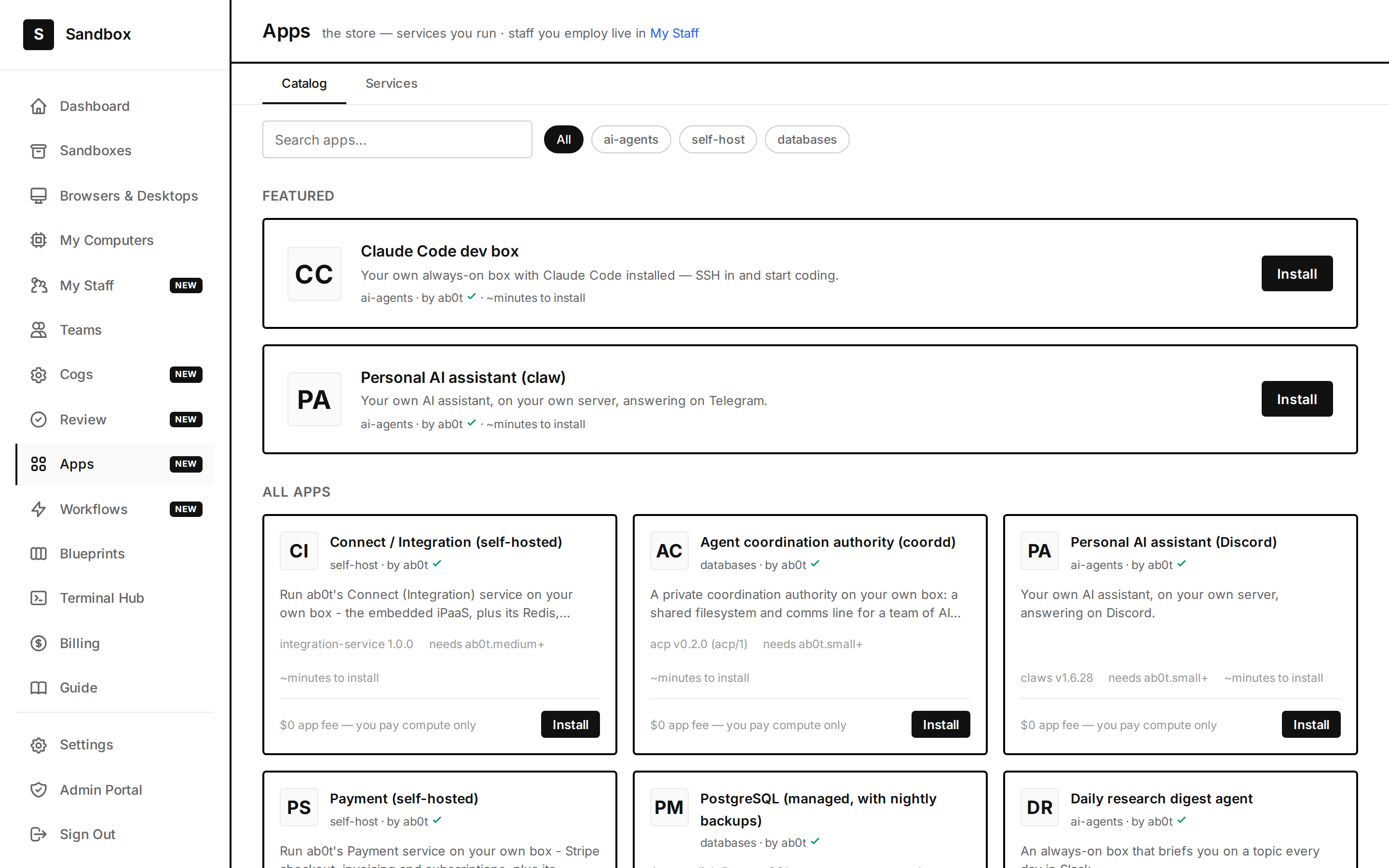
Captured from the live app: the App Store — dev boxes, databases, and AI employees, all $0 app fee (you pay compute only), each installed onto a box you own.
From catalog to command line
Install what you want, run what you bring, and drop to a shell whenever you need to.
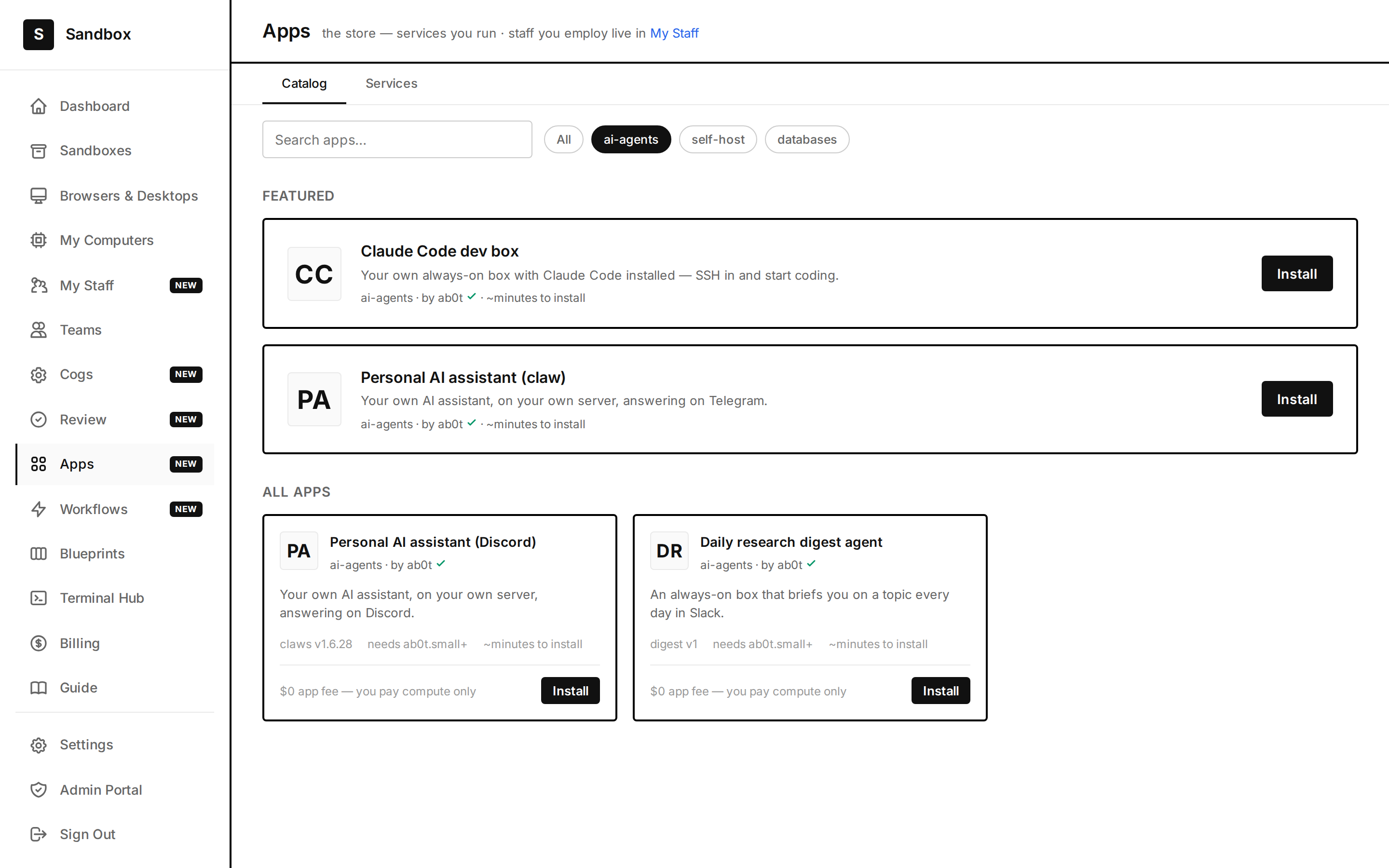
Browse categories — AI agents, databases, dev boxes — and install with one click. $0 app fee; you pay only for the compute it runs on.
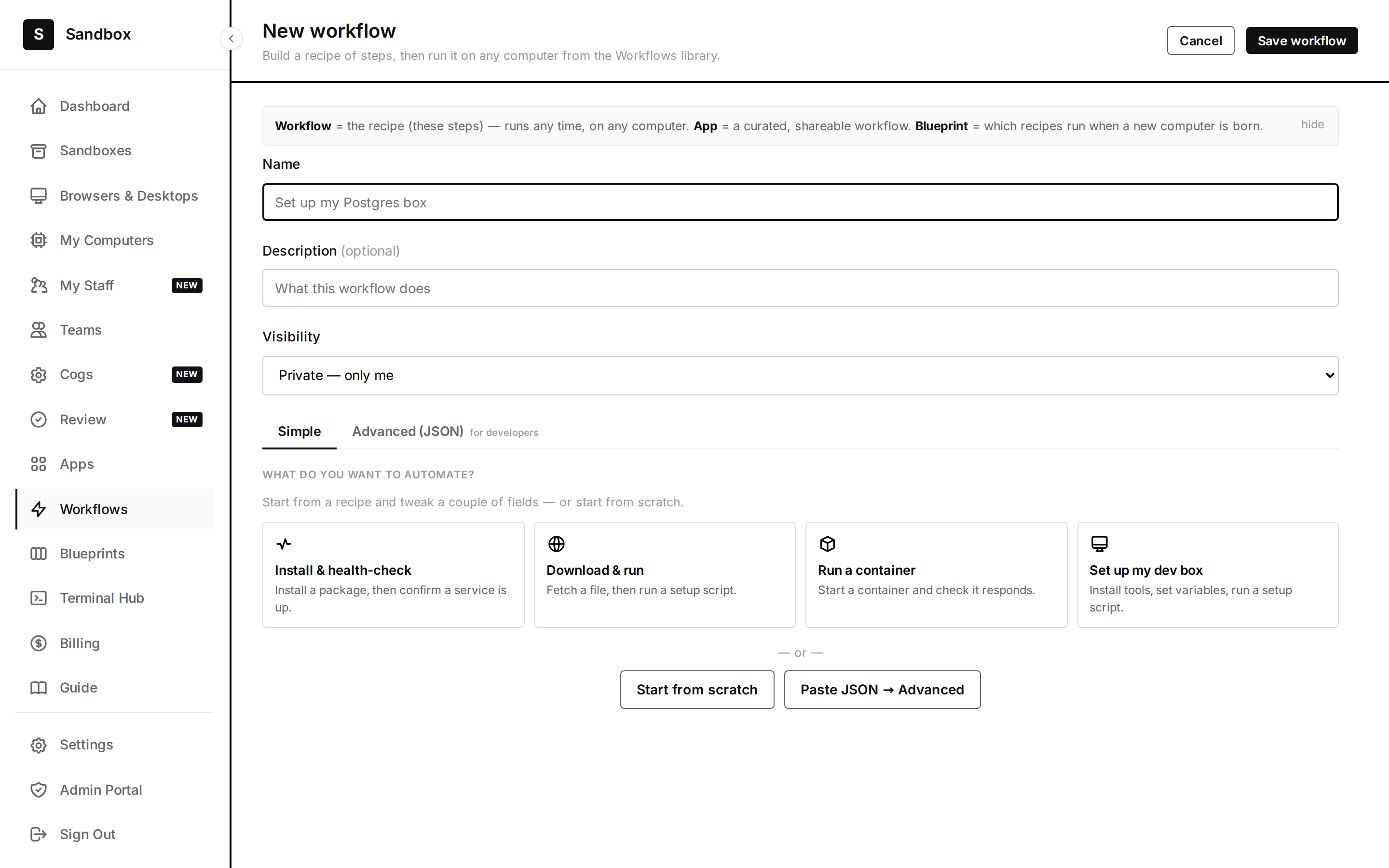
Self-host your own tools and run your own container image with an ad-hoc Docker run — your stack, on your box, not ours.
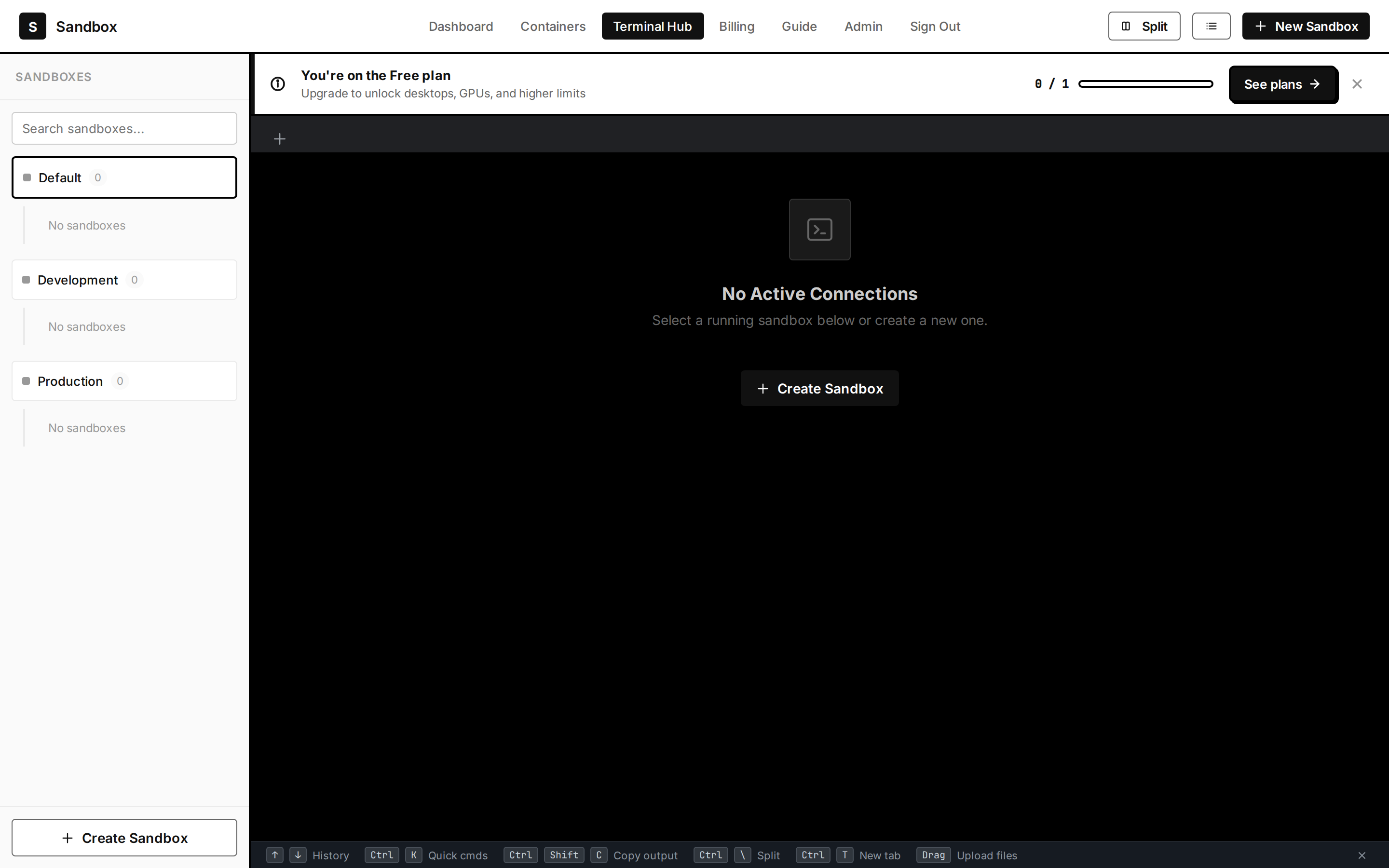
Open the Terminal Hub or SSH straight in. It is a real Linux computer — install packages, run processes, edit files, keep state.
A catalog on top, a real computer underneath
Install anything — $0 app fee
A managed PostgreSQL with nightly backups, a Claude Code dev box, a personal AI assistant — one click each. The store charges no app fee; you pay only for the compute your box uses. Everything installs onto infrastructure you control.
/apps
Bring your own Docker
Not in the catalog? Run your own container. The “run a container” recipe starts your image and checks it responds; workflows turn any install into a repeatable recipe of steps — not a fragile one-off script — that you can run on any of your computers. (Ad-hoc Docker run is landing incrementally — some pieces are still shipping.)
/workflows
It's a real computer — drive it yourself
When you want control, open the Terminal Hub: a real multi-tab terminal into your boxes, with history, quick commands, split panes, and drag-to-upload. Or add an SSH key and connect from your own machine. Full root, persistent state.
/sandbox · /sandboxesVerified by browser tests
The App Store, workflows, and sandbox surfaces are covered by a green Playwright end-to-end suite.
Real screenshots
Every image here is captured from the live application — the real store, the real terminal.
Honest about what's shipping
Ad-hoc Docker run is landing incrementally — we say so rather than claim a finished feature.
Own your box
Install from the store, bring your own stack, and drop to a shell whenever you want the wheel.
Start on your box