Recorded from the live app: the team builder — name the team, add a manager and a worker, and the roster preview updates live.
Staff a department in three steps
You are not writing orchestration code — you are laying out a roster and pointing it at one coordination authority on your box.
Give the team a name and a purpose. It shares one coordination space (coordd) on your box — the single source of truth every member reads.
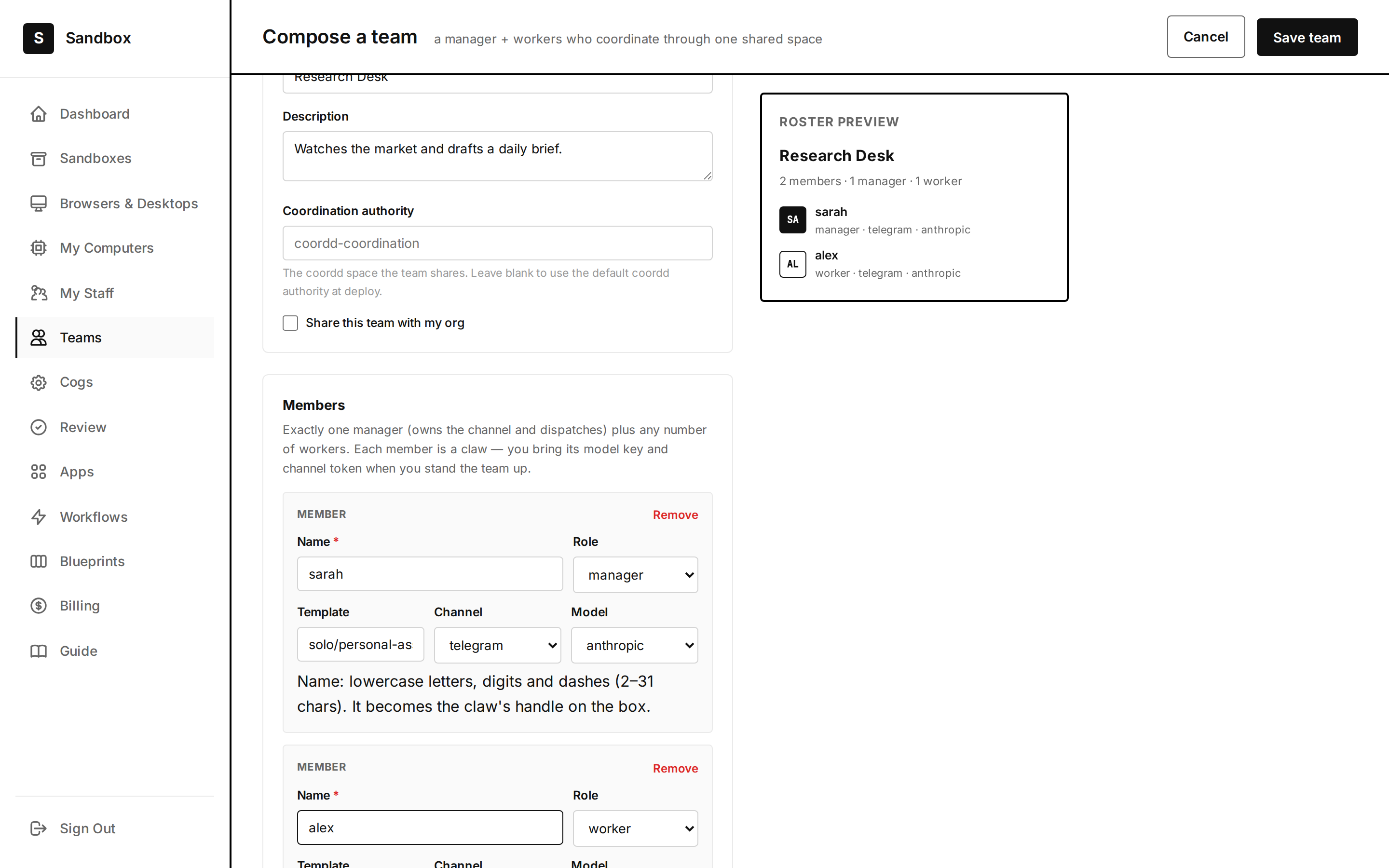
Exactly one manager owns the channel and dispatches; add any number of workers. Each member is a claw — its own name, role, channel, and model.
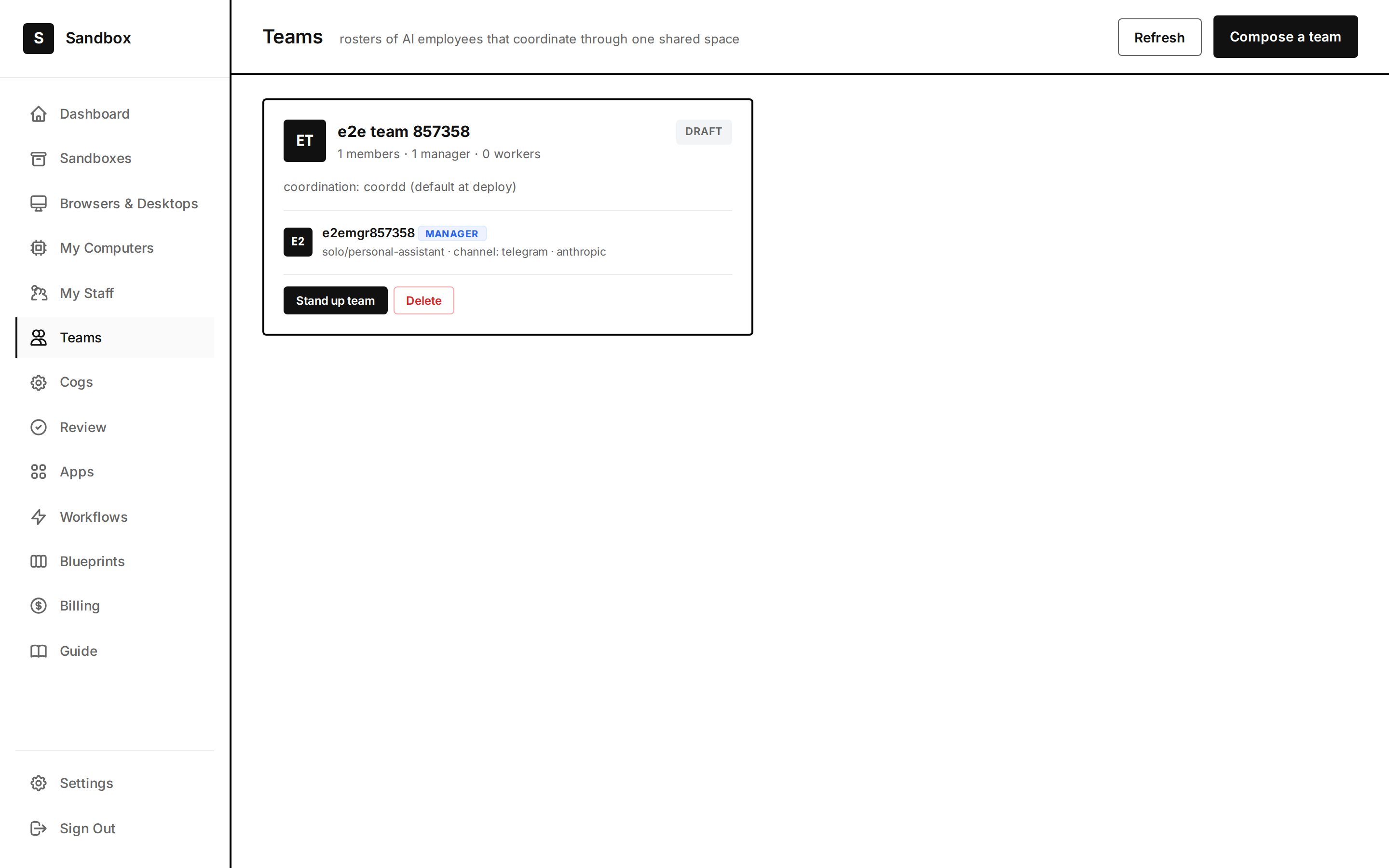
Save the roster and the team appears in the Teams view. Bring each member's model key and channel token when you stand the team up.
Coordination is not messaging
One manager, any number of workers
The manager owns the channel you talk to and dispatches work into a shared queue. Workers claim it, do it in the shared filesystem, and report back through the log. The roster preview shows exactly who does what before you commit.
/teams/new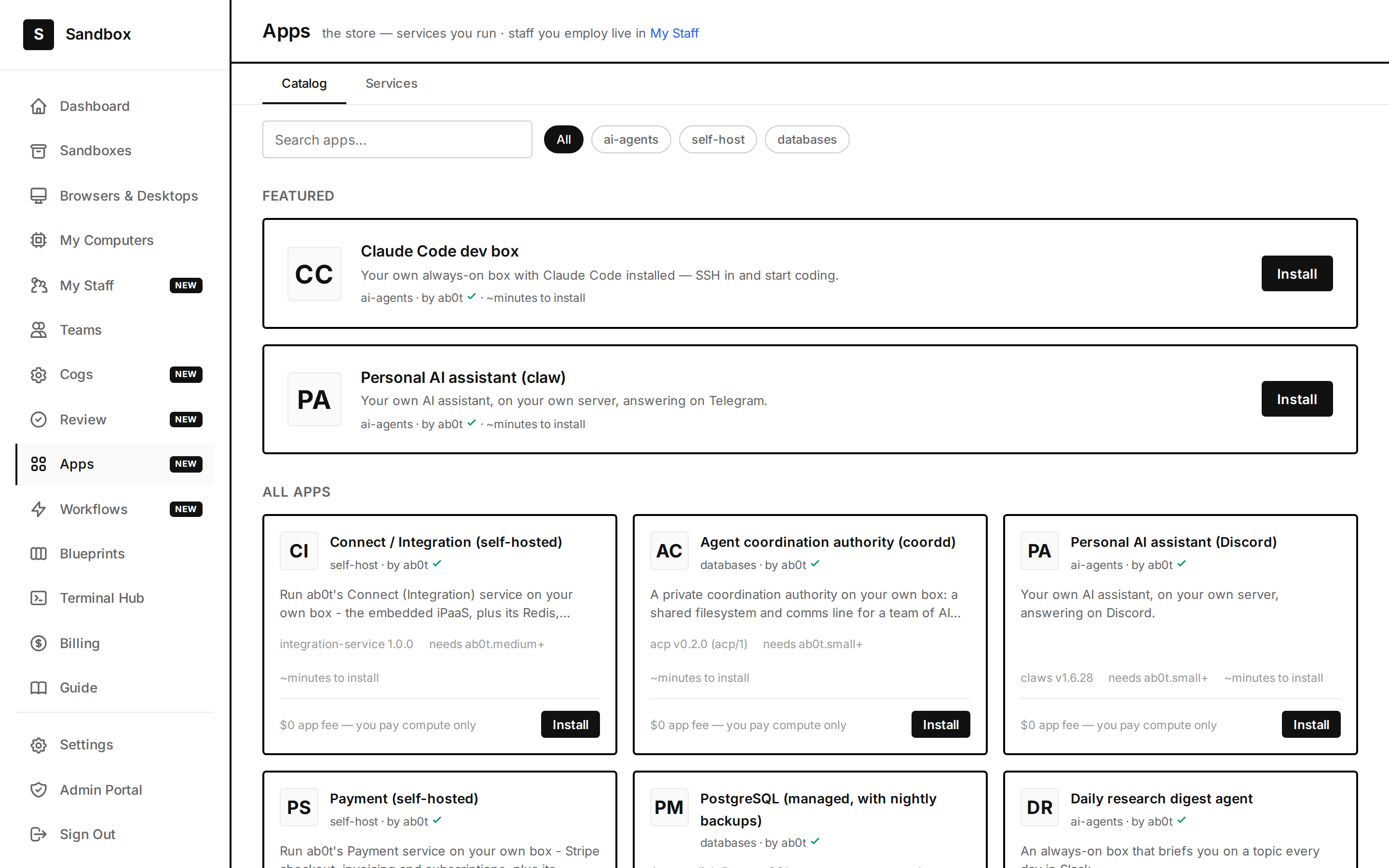
A shared filesystem and a comms line
The coordination authority (coordd) is a private daemon on your box: a content-addressed shared filesystem, a totally-ordered event log every agent replays, a durable mailbox, and fencing-token leases so two agents never corrupt the same file. Install it from the App Store like any other app.
/apps
Compose once; it runs on your box
Each team member is a claw with its own credentials and workspace, coordinating through the shared filesystem, the event log, the mailbox, and leases. You compose the roster once; the team runs on your machine, on your keys, always on.
/teamsVerified by browser tests
The team builder and Teams view are covered by a green Playwright end-to-end suite that composes a real team.
Real screenshots
The video and images here are captured from the live app — the actual builder, the actual roster preview.
On your box
The coordination authority runs on a machine you own — your files, your log, your keys. Nothing coordinates through us.
Compose your first team
Start with two: one that plans, one that executes. Watch the shared log — that is your team, working.
Start on your box